
No.01Flagship · Curriculum reference & teaching mode
Teacher Companion
Cycles 2 & 3 English Curriculum Hub
The UAE Ministry of Education’s English Comprehensive Curriculum Guides, rebuilt as one searchable, printable workspace for Cycle 2 and Cycle 3. Official text is reproduced word for word and traced to its source page — and around that verified spine sit the things a PDF cannot do.
- Audience
- Teachers · Grades 5–12 · General & Advanced
- Availability
- Live · teacher account
- Chapter
- I · Curriculum & planning
- Type
- Platform · Curriculum reference & teaching mode
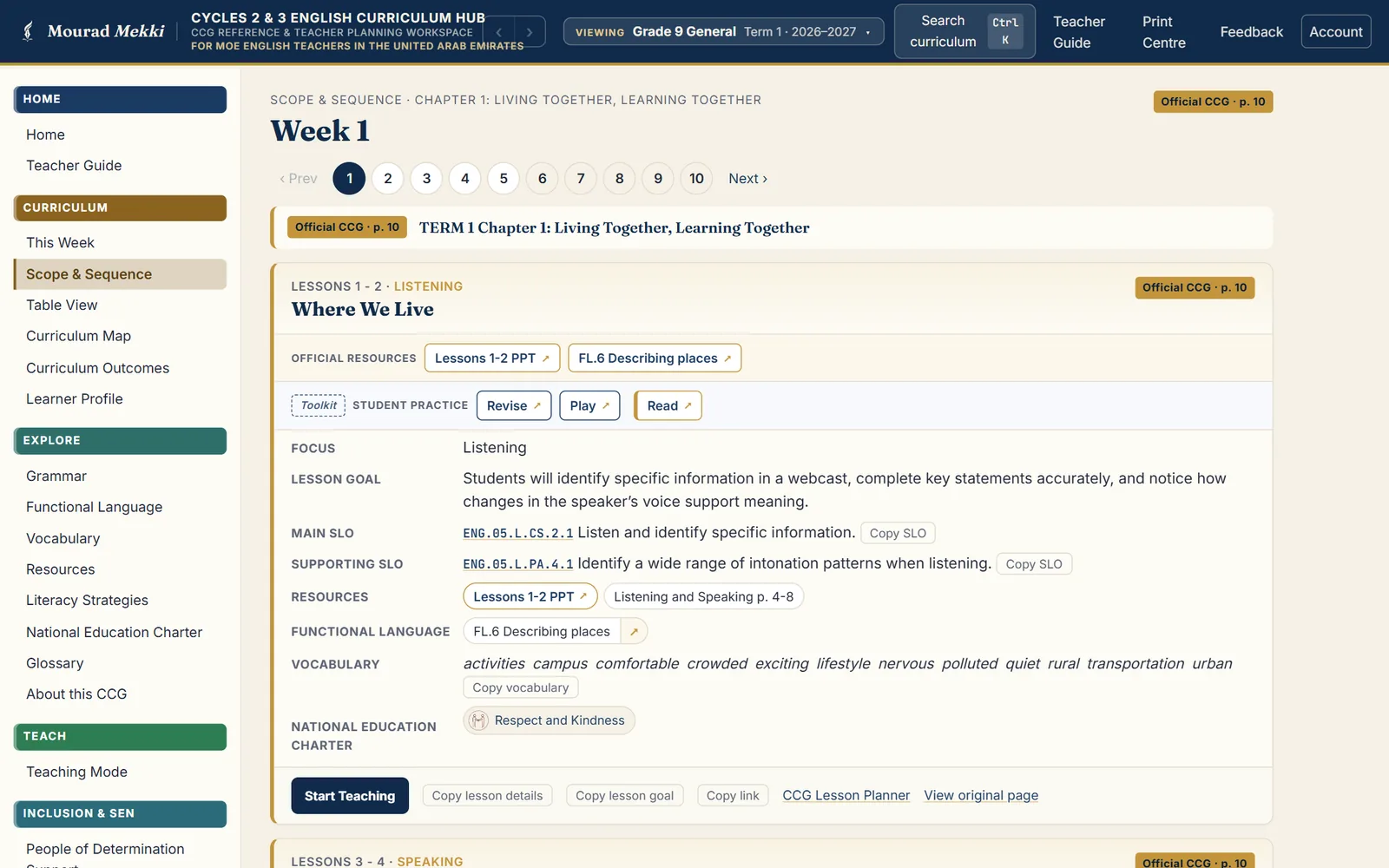
The classroom problem
The curriculum arrives as one long PDF per grade and stream. Finding the outcome behind Wednesday’s lesson means scrolling a forty-page document, and nothing in that document follows the teacher into the classroom once the lesson starts.
Learners who need more support sit in the same lesson, but the guide offers no accessible version of it — so every adaptation is rebuilt by hand, every week.
The response
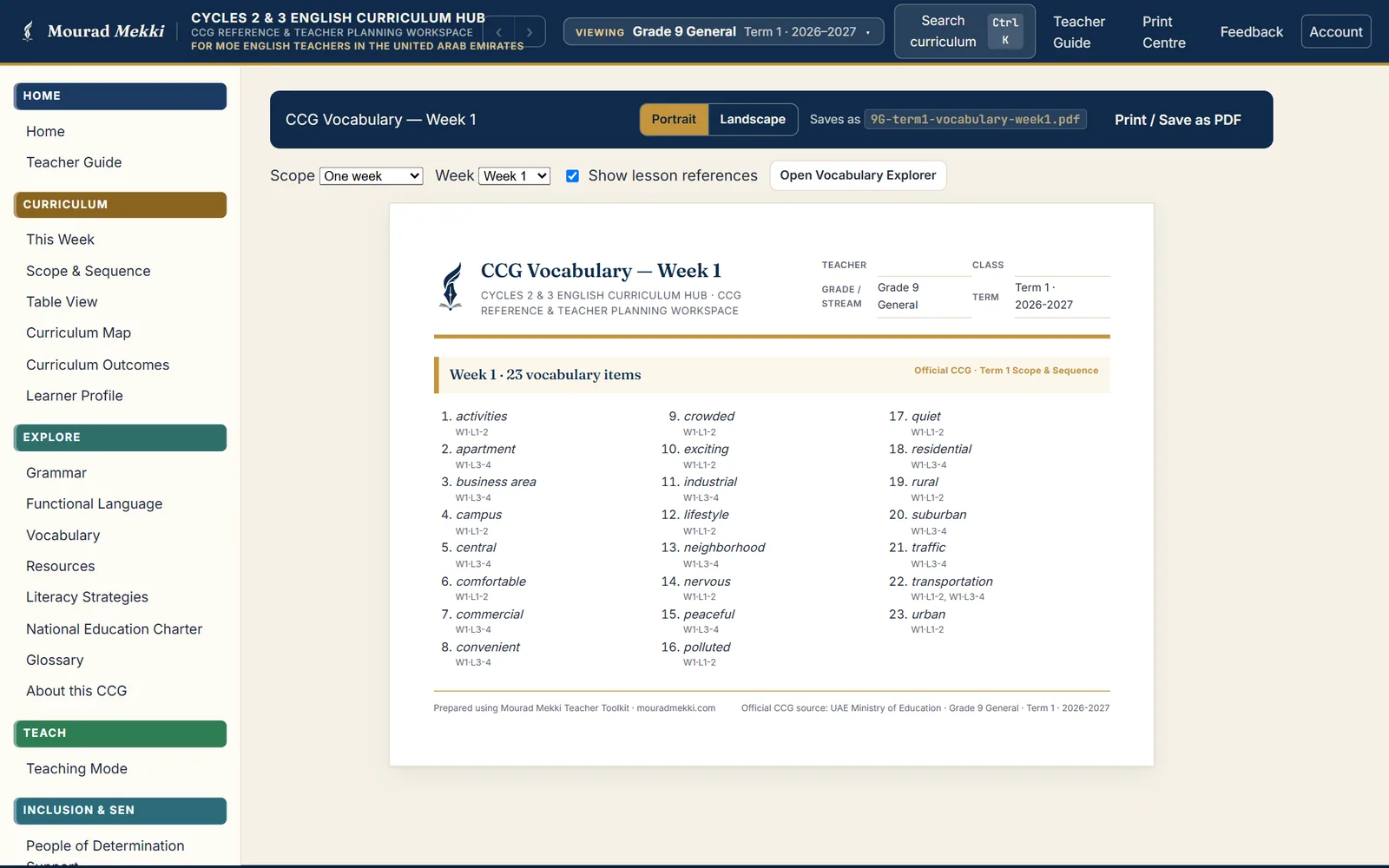
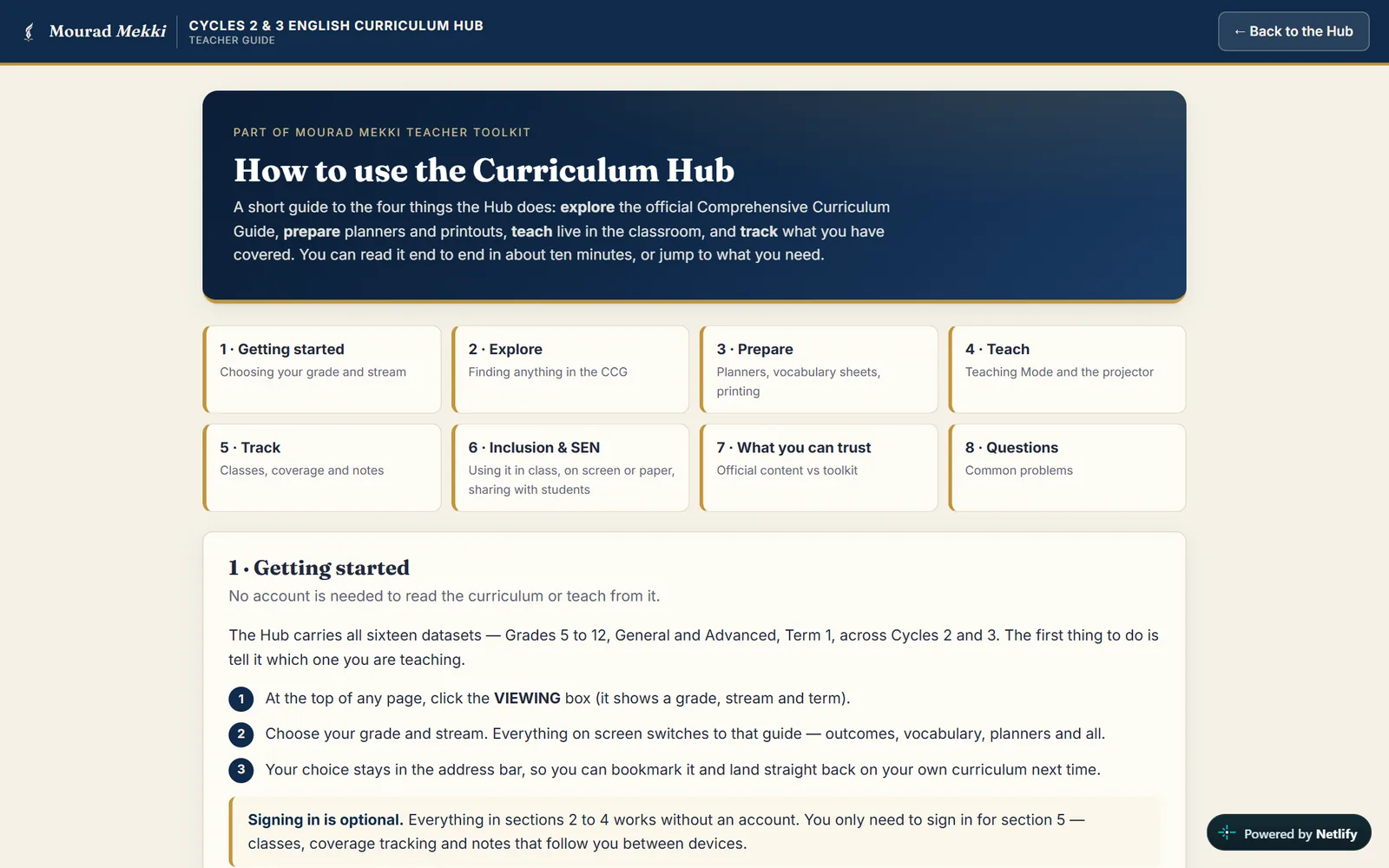
All sixteen Term 1 guides — Grades 5 to 12, General and Advanced, across Cycles 2 and 3 — sit in one workspace with four workflows: Explore the curriculum, Prepare planners and vocabulary sheets, Teach with a floating classroom companion and a separate projector window, and Track coverage for each class.
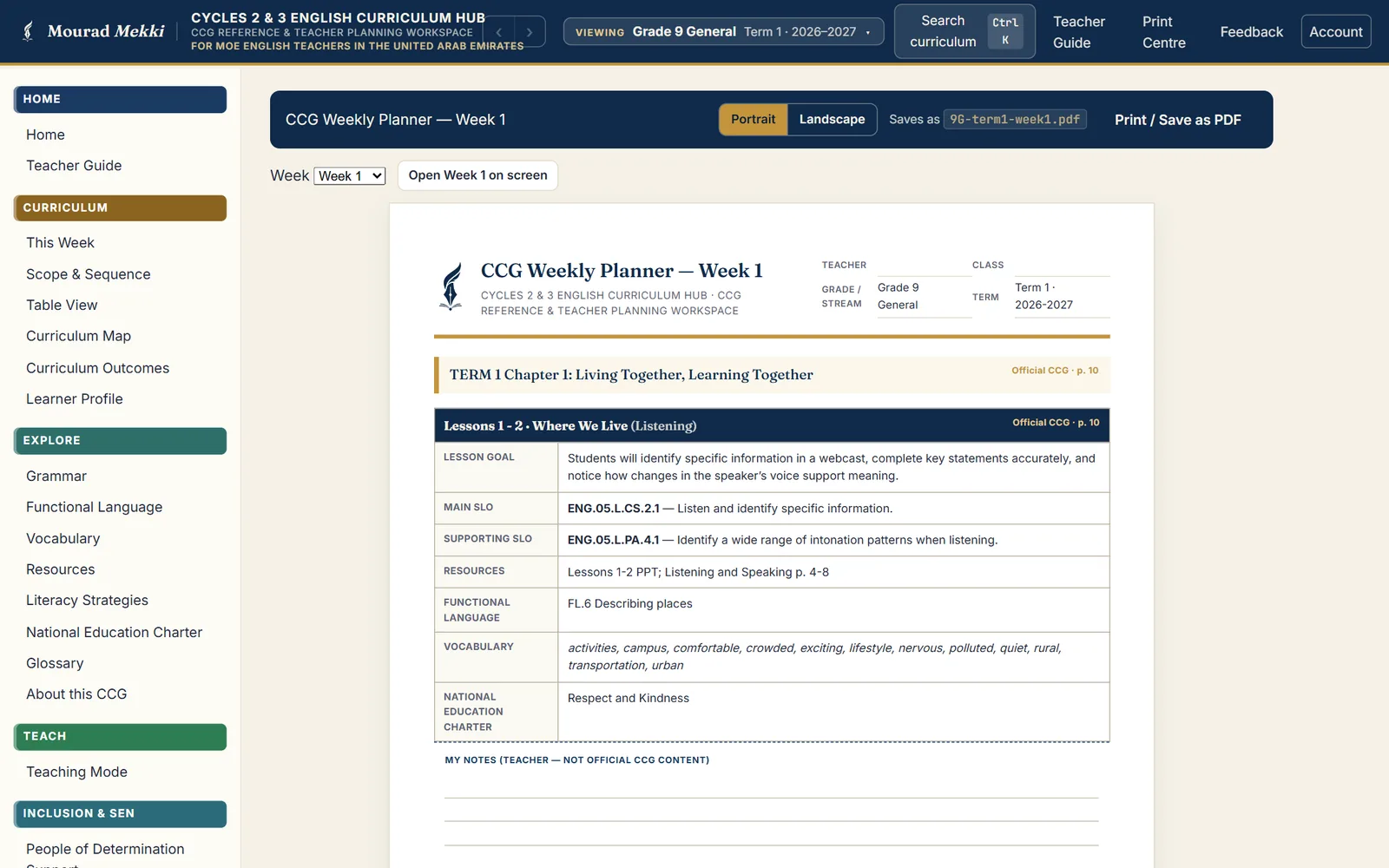
Official text is reproduced verbatim and page-referenced. Everything the toolkit adds is tagged as Toolkit content, and a teacher’s own planner notes are headed “not official CCG content”.
The Inclusion & SEN module gives every lesson an accessible pathway at four levels. These are platform-authored adaptations, labelled as such, which teachers check before use.
Inside the product
Inclusion & SEN
Support for People of Determination, built into the plan. Choose a learner’s level and the same curriculum lesson returns with an accessible pathway: the official outcome on one side, the accessible target on the other.
A pathway for every lesson
Levelled reading, a writing prompt with sentence frames, a word bank and a model at each level — shown beside the original learning outcome and its code.
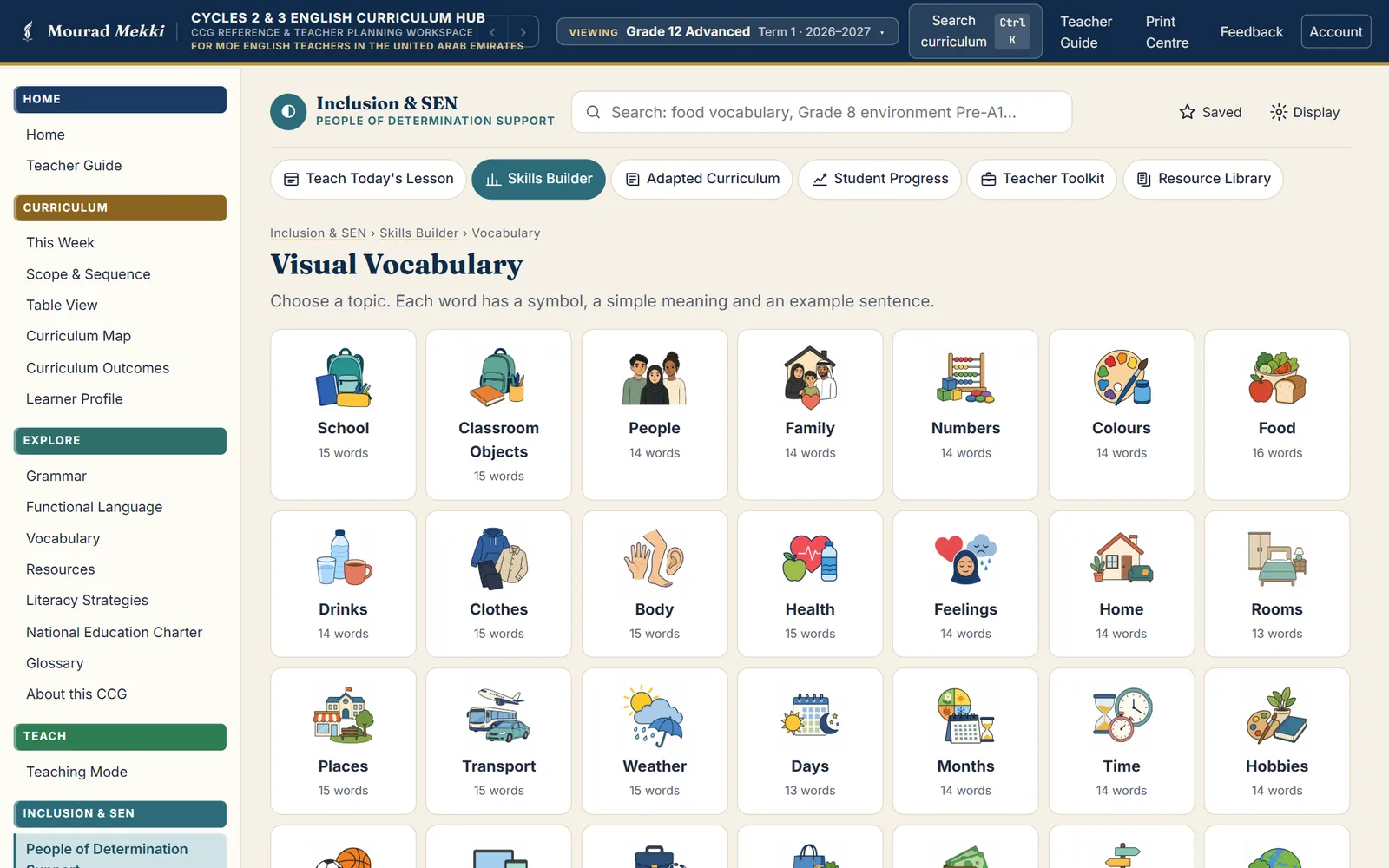
Picture-supported vocabulary
Key words for each lesson with a picture, a simple meaning and an example, plus a visual vocabulary library organised by everyday topics.
Classroom communication
A printable communication board — “I need help.”, “I need a break, please.” — and visual instruction cards for classroom routines.
Print in about a minute
A student pack, a teacher pack and a one-page support sheet for any lesson, in colour or greyscale, with optional answer key, home practice and progress record.
IEP target library
Editable, measurable targets across ten areas and four levels, plus suggested targets for each lesson, to copy into a learner’s plan.
Records stay on the device
Student Progress follows targets from Not yet to Achieved, using nicknames or numbers. In the platform’s words: “Nothing leaves this device.”
- Level 1FoundationMaximum support
- Level 2High SupportPre-A1
- Level 3GuidedA1
- Level 4BridgeA1+
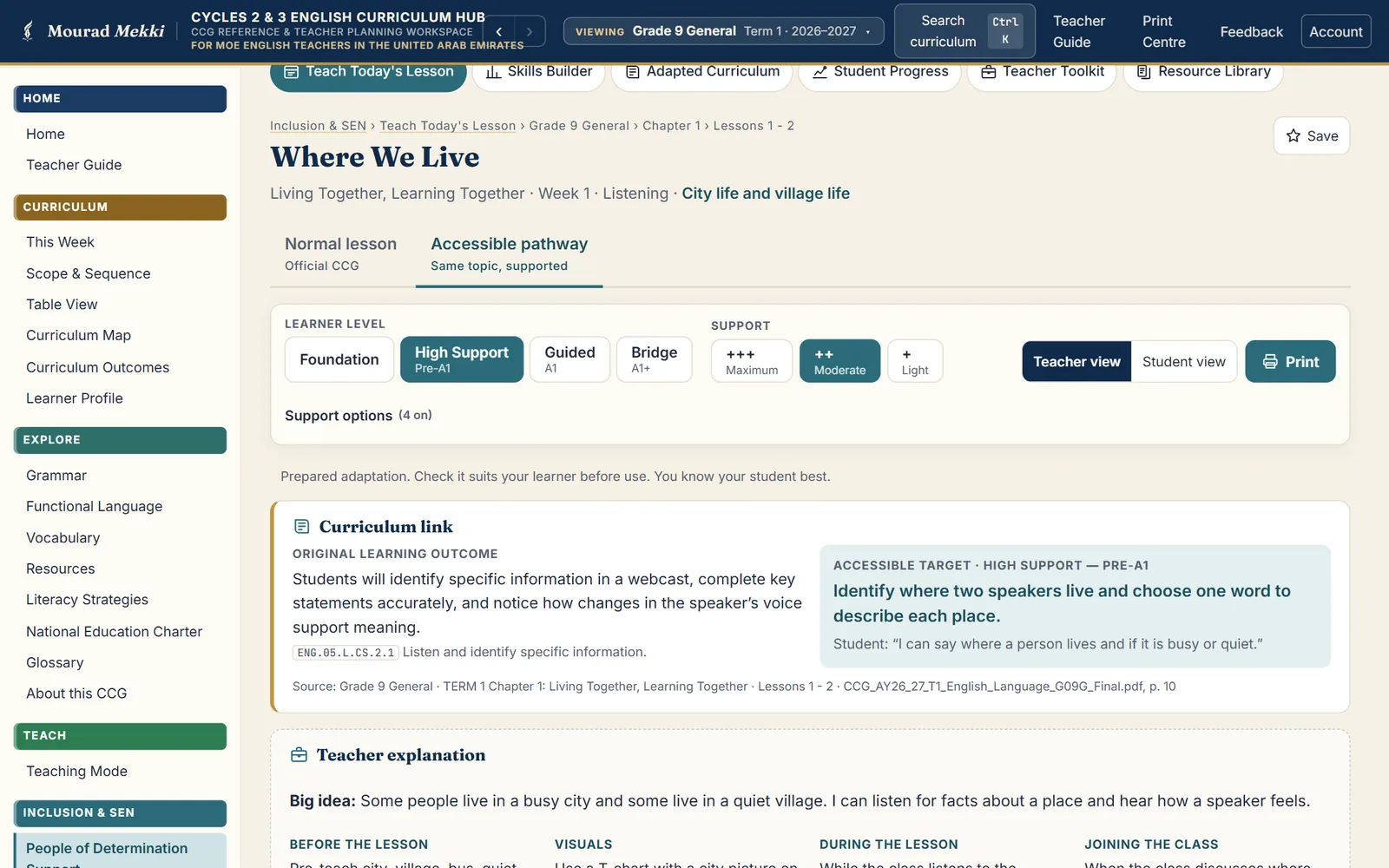
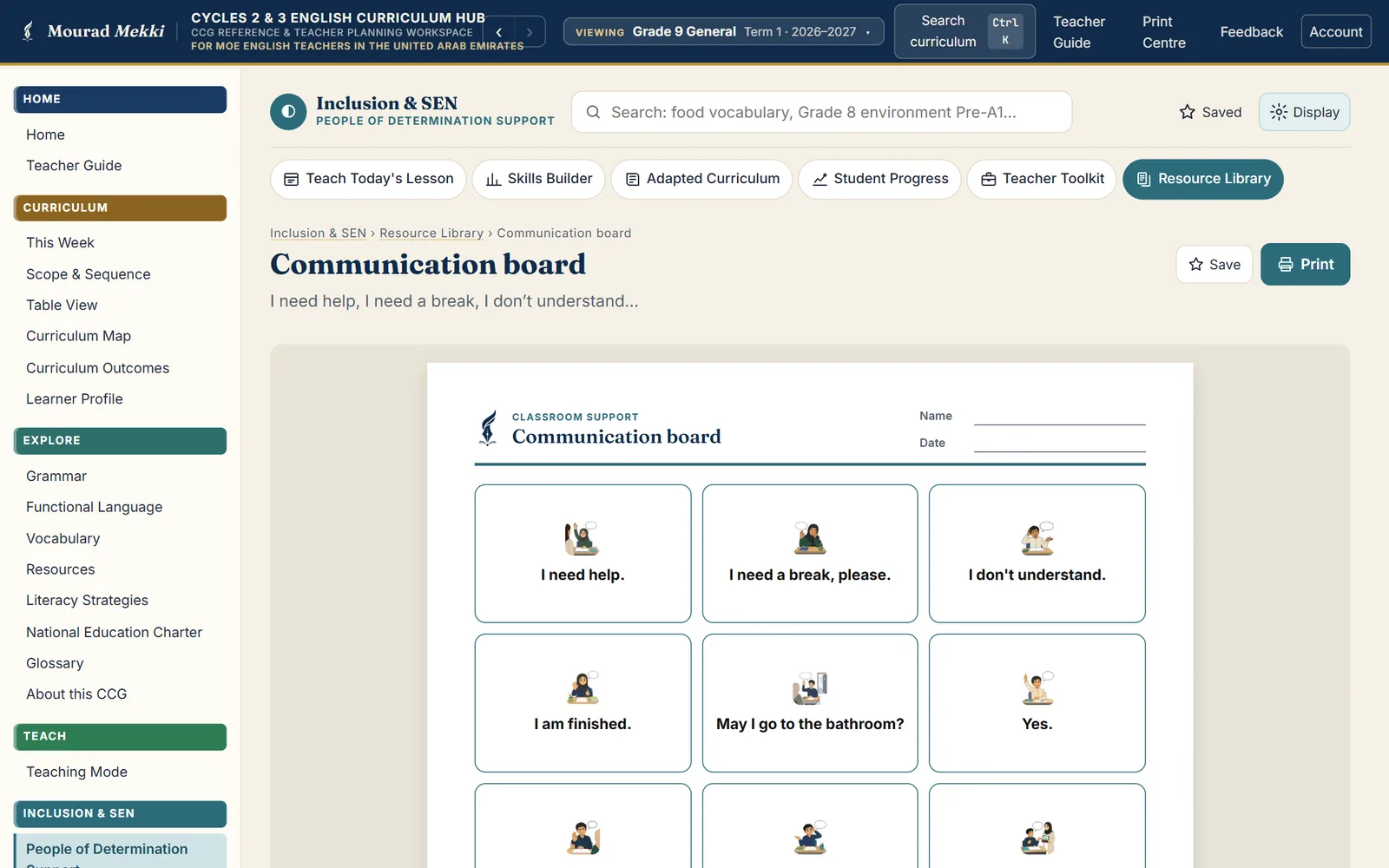
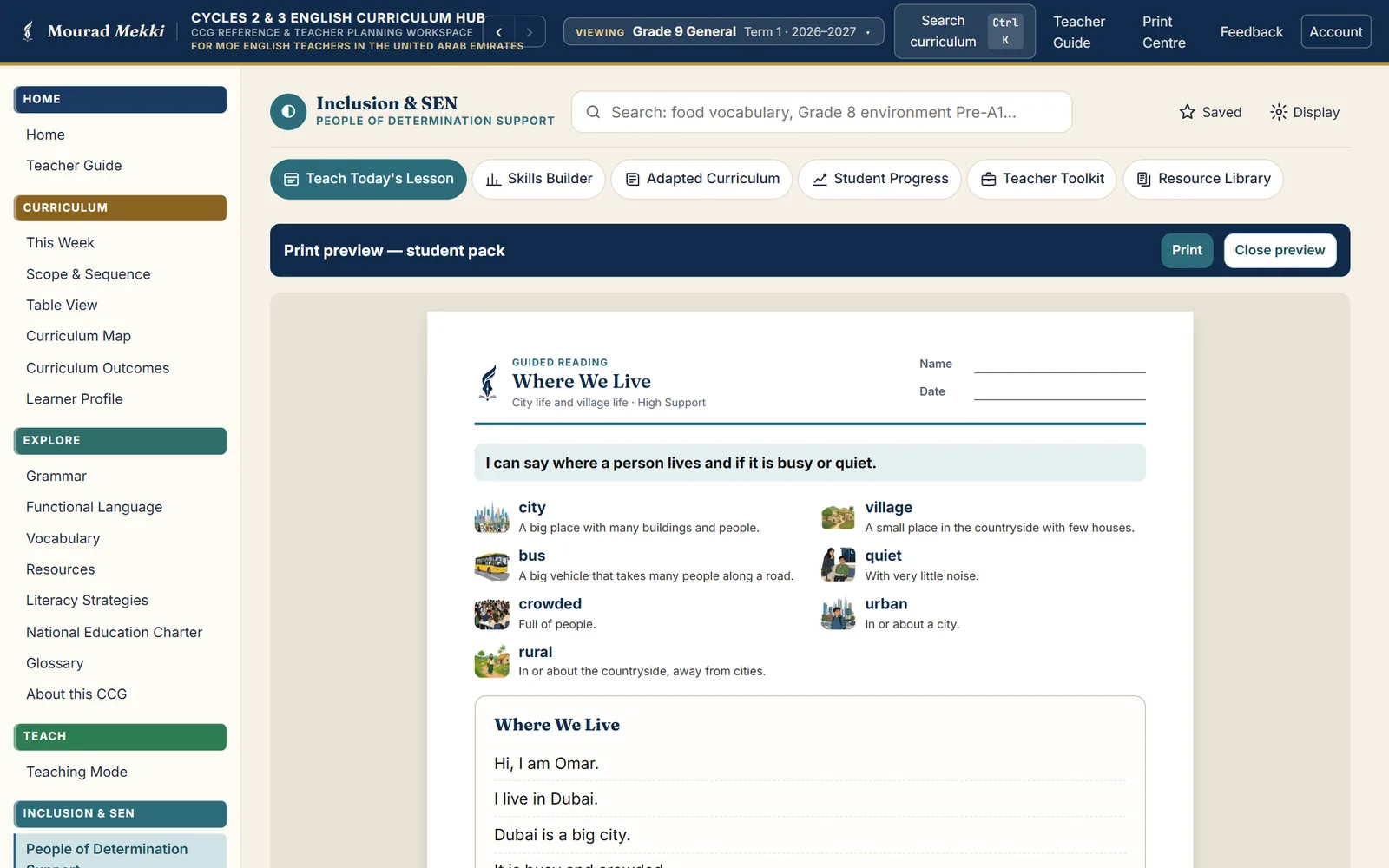
Official and adapted text stay apart. The curriculum outcome is shown verbatim; the accessible pathway is platform-authored and marked “Prepared adaptation. Check it suits your learner before use.” The module does not diagnose learning needs or replace a student’s official support plan.
Students and teachers
What students can do
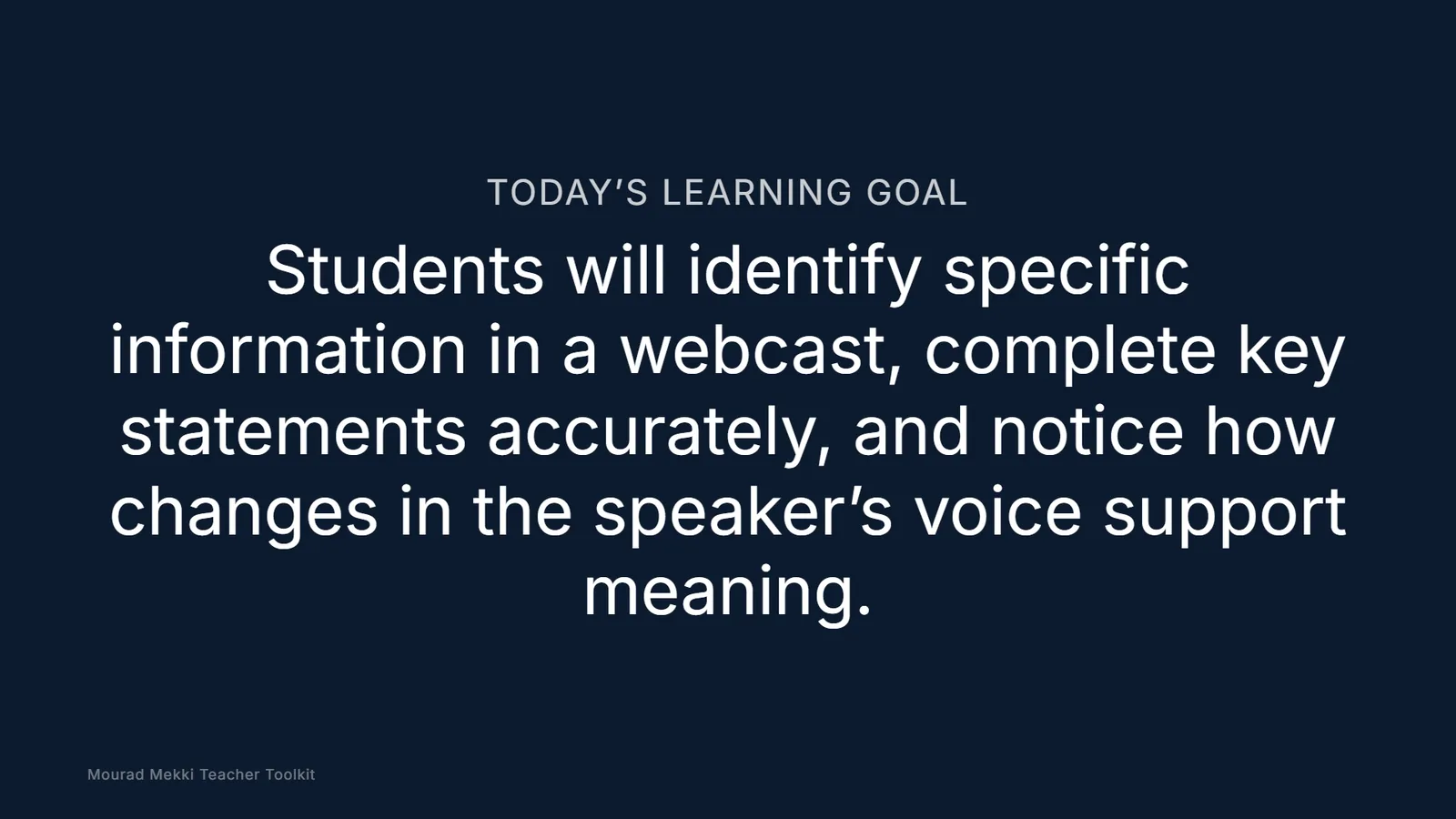
- A projector view carrying the lesson goal and vocabulary — and nothing else
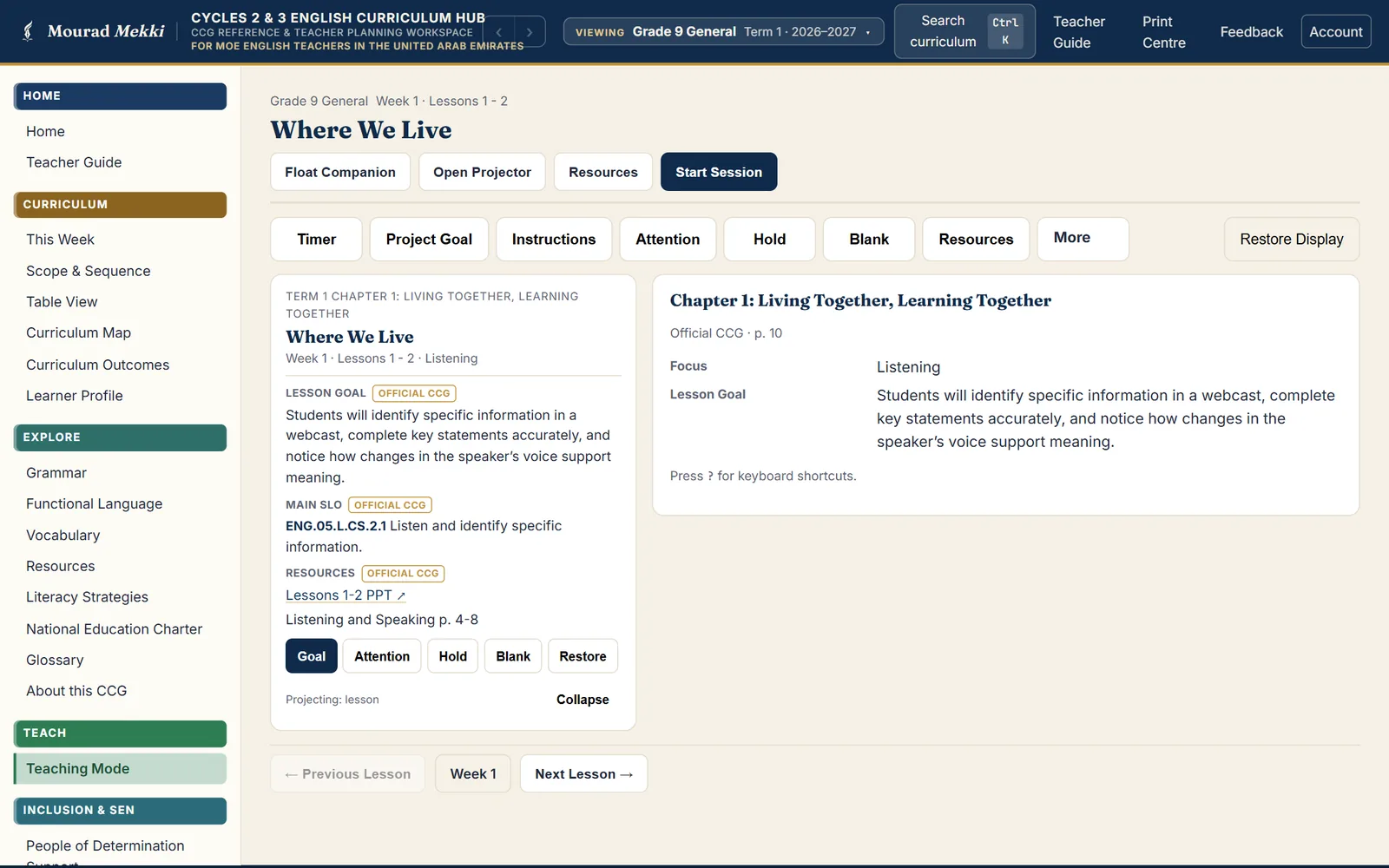
- Timer, attention and hold screens on the board
- An accessible pathway on the same topic when more support is needed
What teachers can do
- Every outcome, week and lesson searchable across Cycle 2 and Cycle 3
- Weekly, unit, term and lesson planners and vocabulary sheets on A4
- Teaching Mode: floating companion, projector window and session tools
- Coverage per class — not started, planned, taught or revisit
- Inclusion & SEN: levelled pathways, picture vocabulary, print packs and an IEP target library
Curriculum, print and privacy
- Curriculum
- UAE MoE English Comprehensive Curriculum Guides, Term 1 2026–2027: 16 grade-and-stream datasets, 8 per cycle, 640 lessons in all — every lesson record traced to its source page.
- Weekly, unit, term and lesson planners and CCG vocabulary sheets on A4, portrait or landscape. Inclusion & SEN: a student pack, teacher pack and one-page support sheet for each lesson.
- Accessibility
- Four support levels in the Inclusion & SEN module; a separate projector window for the board.
- Privacy & data
- A teacher account is required. The workspace stores the teacher’s own planning — classes, coverage, notes and bookmarks — and no student data; SEN student records stay in the browser on the teacher’s device.
Evidence
- Classroom use
- Built for the 2026–2027 Term 1 guides and used to plan and deliver lessons.
- Measured use
- Mourad Learning OS published 154 measured sessions on the Hub for 28 July – 29 August 2026 (its Impact page). This measures use, not learning outcomes.
- Measured outcomes
- No measured attainment data is published for this platform. Descriptions above cover what the product does, not proven results.
- Verification
- The live app asks for a teacher account on every screen, so interface screenshots were rendered from the current source with the live curriculum data; every interface string relied on is present in the live code. Dataset figures were counted from the live data files on 9 October 2026. The platform’s own manifest marks the SEN adaptations as AI-drafted.
Related work
-
 Reading & writingNo. 05
Readanah
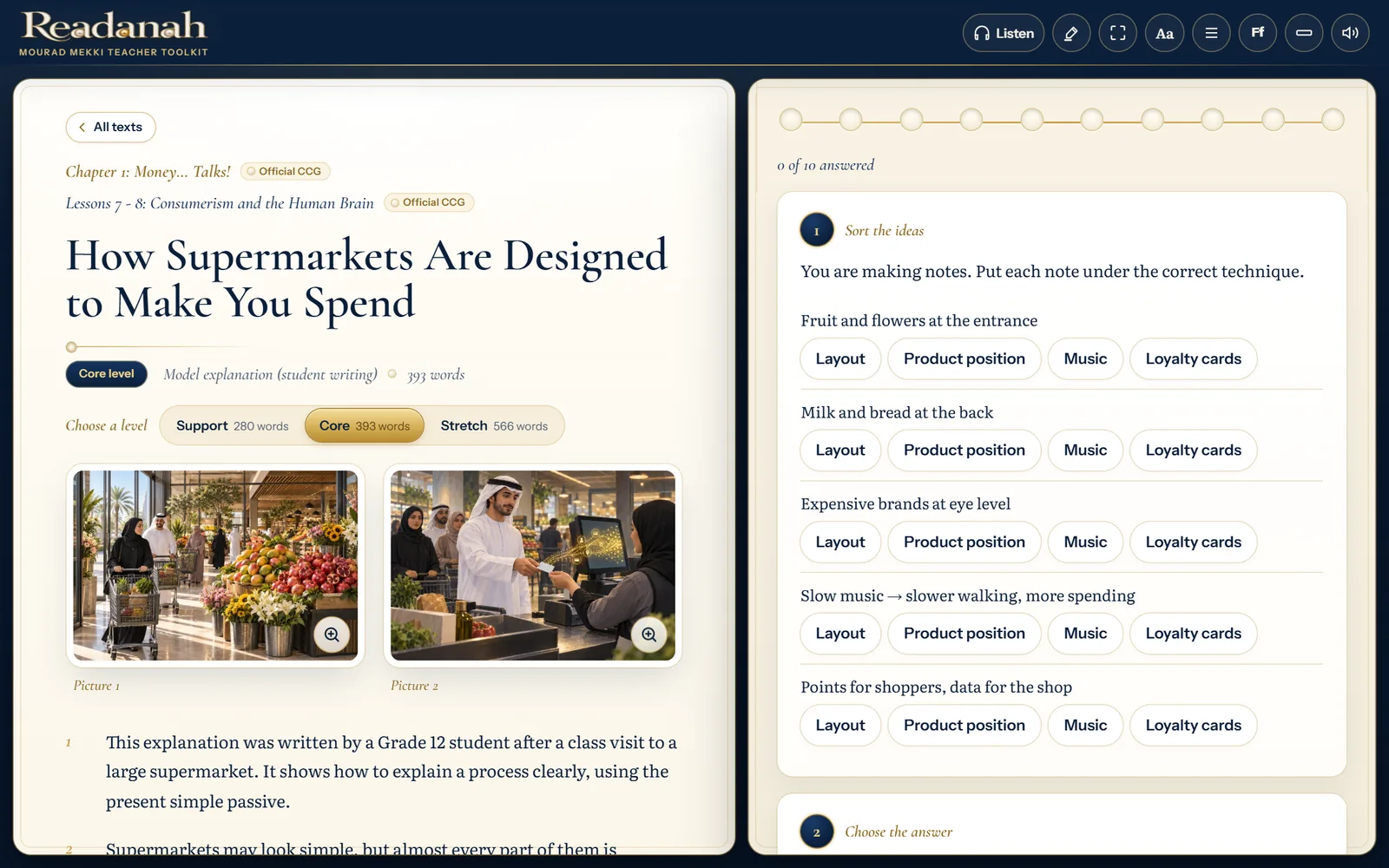
Graded reading built on the UAE English curriculum: texts at three levels with two pictures each, questions answered by tapping, a pearl for every text, and reports in English, Arabic or both.
Students & teachers · Cycle 2 & 3 · Grades 5–12
Live · Term 1, 2026–2027 Open -
-
 Assessment & diagnosticsNo. 03
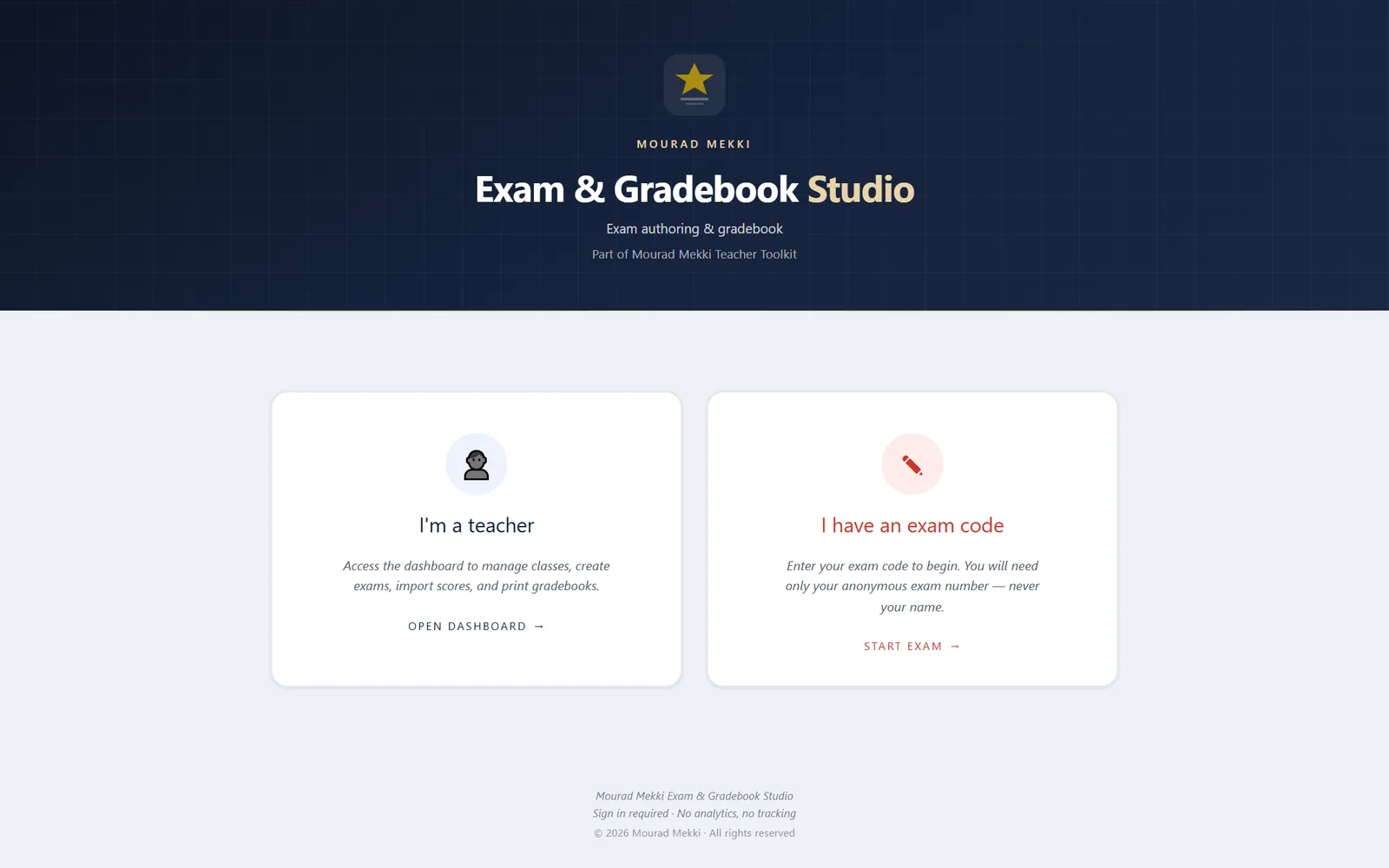
Exam & Gradebook Studio
Build an exam, give students class-and-number access, control attempts and retakes, and read every result in one multi-class gradebook.
Teachers & students · multi-class, multi-school
Live · sign-in required Open