
No.33Lesson delivery & planning
Lesson Studio
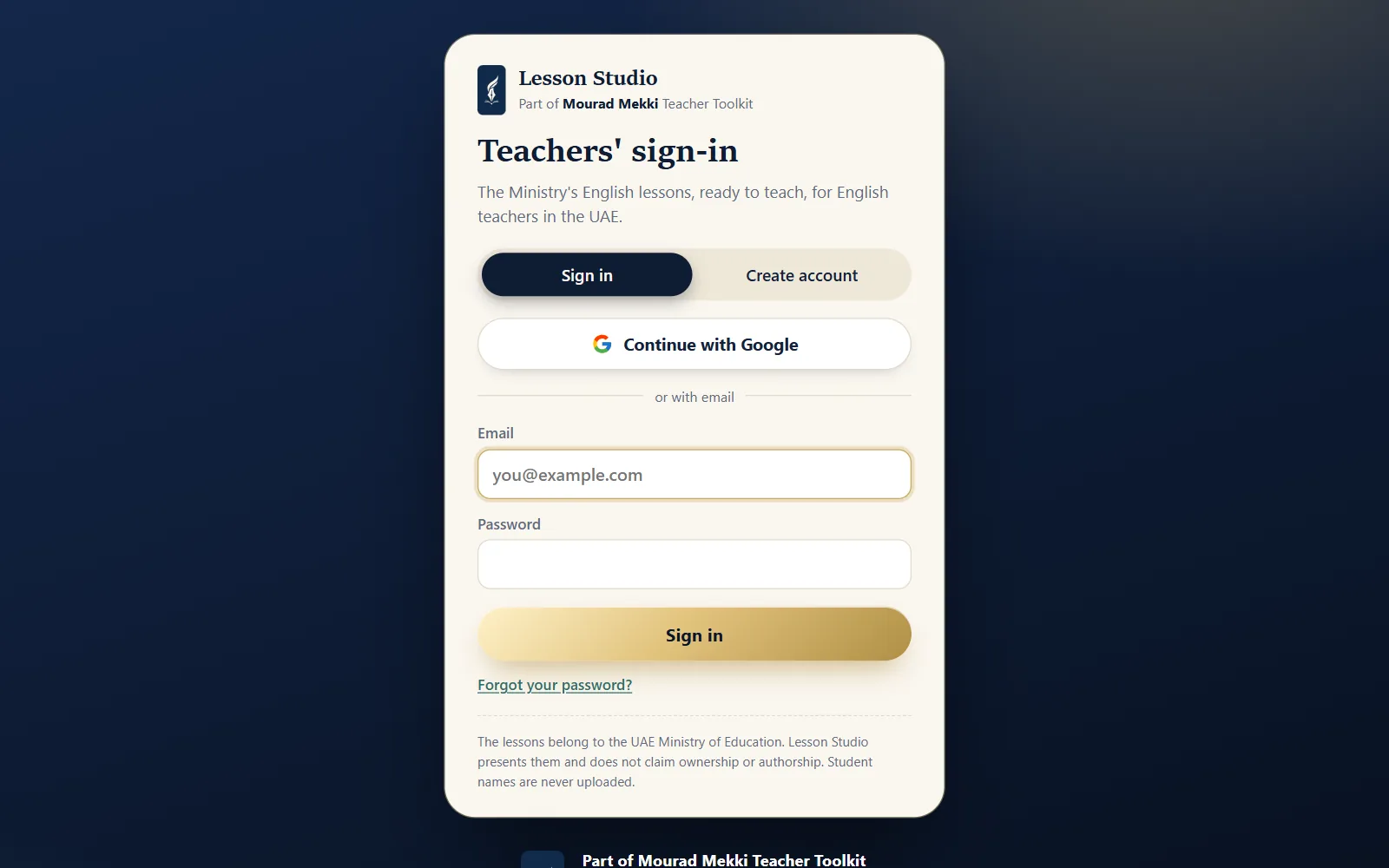
A teaching workspace for the Ministry’s English lessons. A teacher chooses the week, the class and the dated period, takes attendance, and presents the lesson on the projector, with a class clock, an instant name picker and an activity timer built in.
- Audience
- English teachers · Grades 11–12
- Availability
- Live · sign-in required
- Chapter
- I · Curriculum & planning
- Type
- Platform · Lesson delivery & planning
The classroom problem
The Ministry’s lessons arrive as slide decks, handouts and audio files spread across folders. Before every period a teacher has to find the right lesson for the right class, remember where the last period stopped, and keep a separate record of attendance and of what has been taught, while holidays, days off and skipped periods quietly push the plan out of step with the calendar.
The response
Lesson Studio plans every period from the teaching week. Each week’s lessons start in the class’s first period of that week; holidays, days off and skipped periods push the next lessons forward, and the periods left over become the CCG’s Skill Development periods, each opening its IELTS lesson. Present lesson opens the player, and Resume returns to the exact slide and reveal for that dated period. A lesson tracker marks every lesson Not yet, Done or Revisit, and a term planner switches any class between automatic and manual placement.
Students and teachers
What students can do
- Follow the Ministry’s lesson on the projector, slide by slide, with answers revealed in step
- Take part when the name picker chooses them
- Work against a visible activity timer
What teachers can do
- Plan every period automatically from the teaching week, or place lessons by hand
- Take attendance and present the lesson from the same screen
- Resume a lesson at the exact slide where that period stopped
- Track each lesson as Not yet, Done or Revisit, class by class
Curriculum, print and privacy
- Curriculum
- The UAE Ministry of Education’s English lessons and the coursebooks they use, with Skill Development periods aligned to IELTS as the CCG describes them. The lessons belong to the Ministry and to their authors and publishers; Lesson Studio presents them and claims no ownership.
- Privacy & data
- Teachers register with their real name and school and confirm their email before the account works. Pages and files are sent only to a signed-in, confirmed account. Student names are never uploaded: class lists stay in the teacher’s own browser.
Evidence
- Classroom use
- Used by its author to teach Grade 11 and 12 English at Al Khazna School, and open online to any UAE English teacher who registers since 16 October 2026.
- Measured outcomes
- No measured attainment data is published for this platform. Descriptions above cover what the product does, not proven results.
- Verification
- Public sign-in page checked live, 11 November 2026. Pages behind the sign-in were not inspected for this entry; the description follows the project’s own documentation.
Related work
-
 Curriculum & planningNo. 01
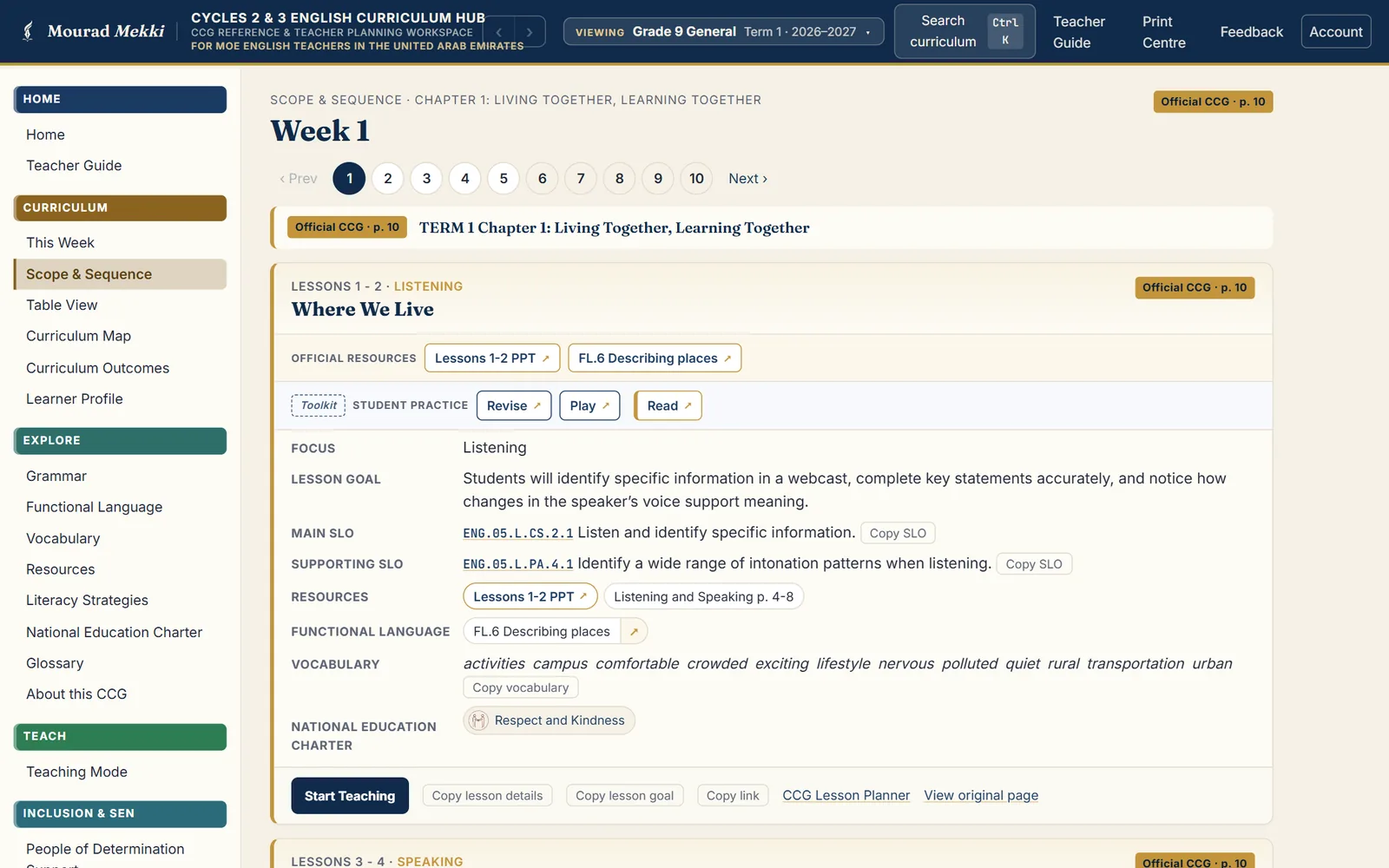
Teacher Companion
The Ministry’s English curriculum guides for Grades 5–12 as one searchable, printable workspace — with a teaching mode for the room and an Inclusion & SEN module.
Teachers · Grades 5–12 · General & Advanced
Live · teacher account Open -
 Curriculum & planningNo. 02
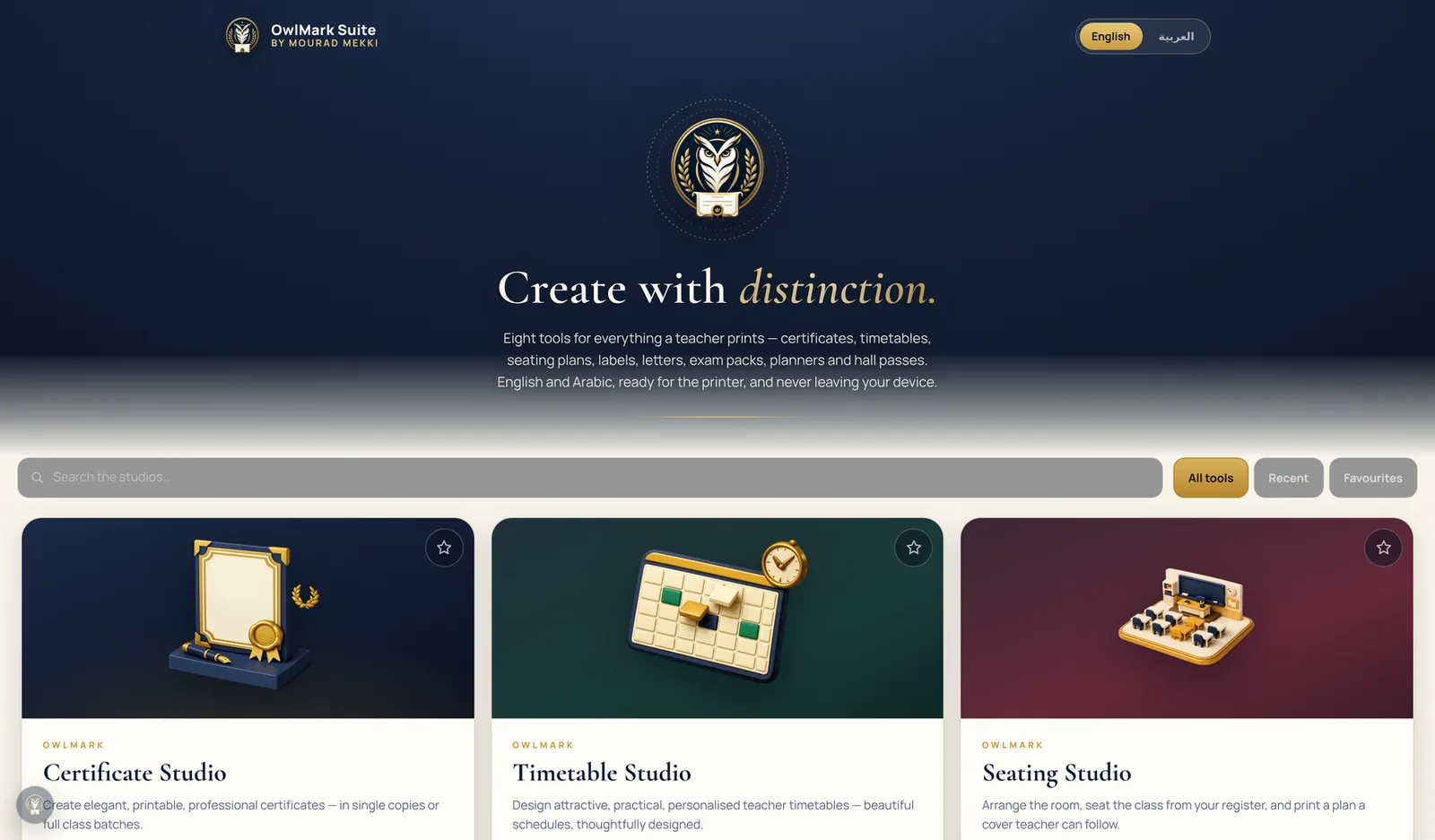
OwlMark Suite
Eight bilingual print studios — certificates, timetables, seating plans, labels, letters, exam packs, planners and hall passes — sharing one class register.
Teachers & school teams · English & Arabic
Live · Version 3.3 Open