
No.37Classroom rewards & records
Class Stars
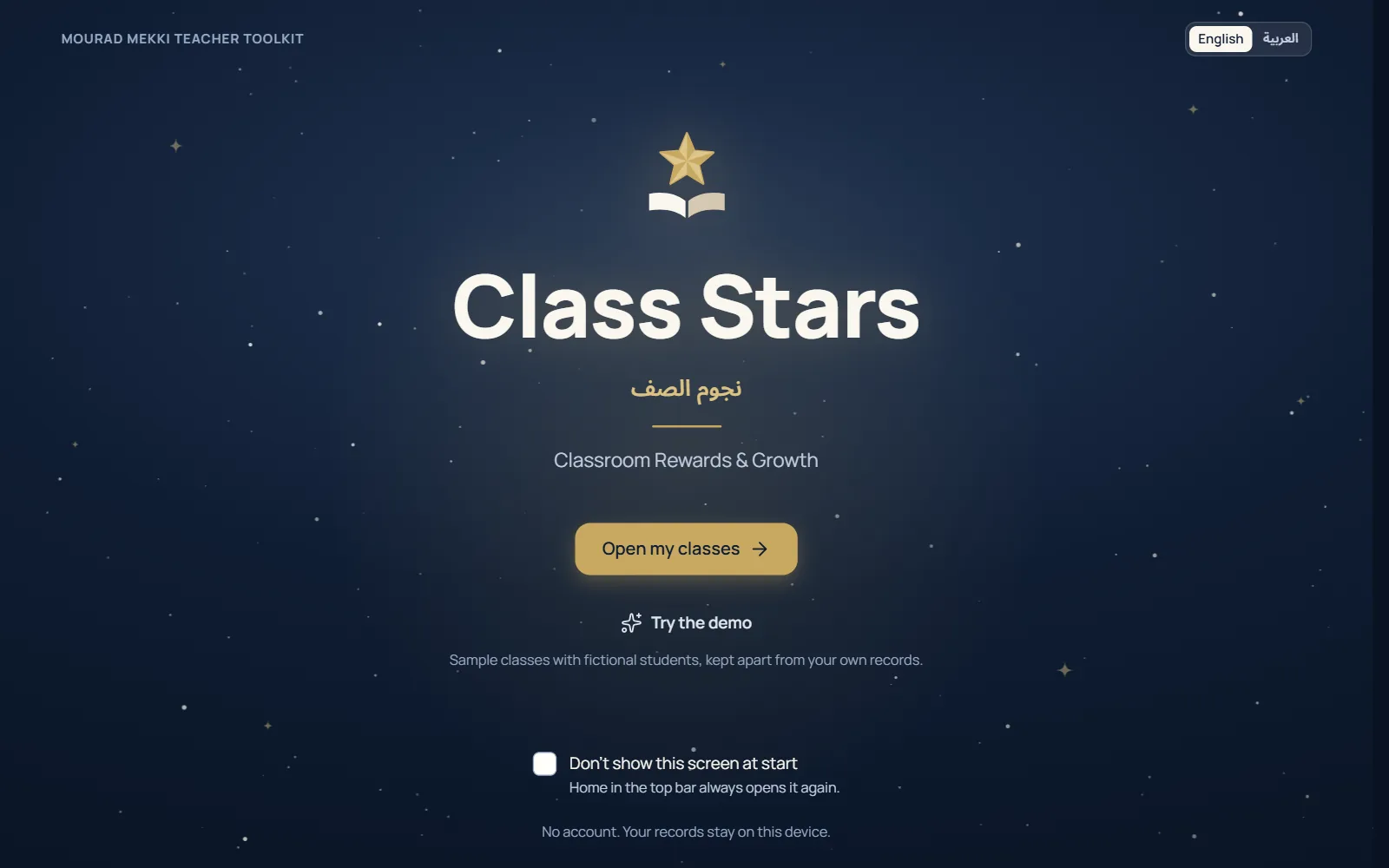
A classroom tool for the whole lesson: open a class, take attendance, reward students as they work, save the lesson, then review each student’s growth and print the records, in English or Arabic, with no account and nothing sent off the device.
- Audience
- Teachers · Grades 9–12 · English & Arabic
- Availability
- Live · no account, works offline
- Chapter
- I · Curriculum & planning
- Type
- Platform · Classroom rewards & records
The classroom problem
Rewarding effort fairly is hard to do in the moment and harder to keep track of. Paper charts and points apps rarely tie stars to attendance, lessons or behaviour, and many keep student records on someone else’s server.
The response
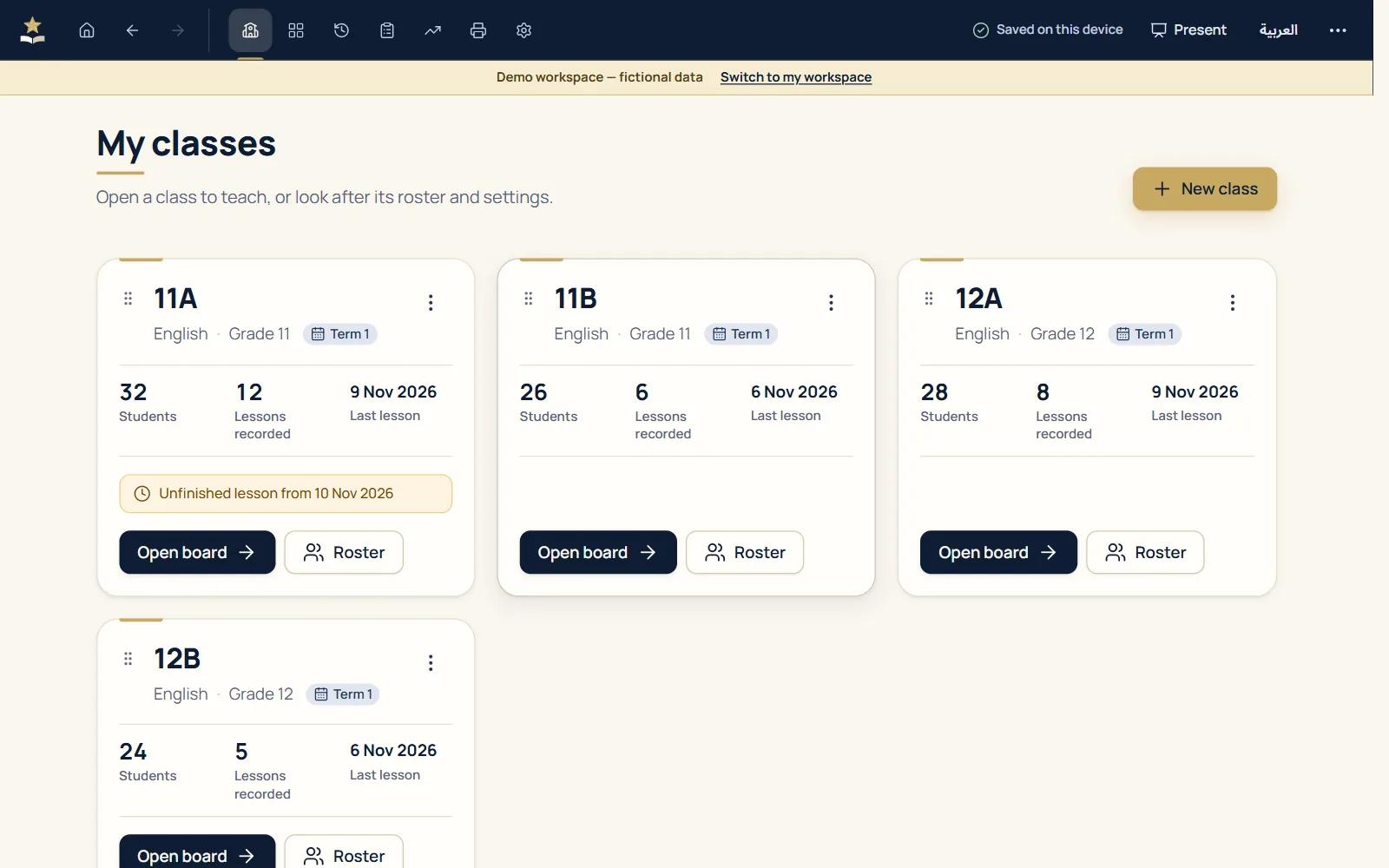
Class Stars puts the class on one board. Individual and group stars, corrections with undo, and a Behaviour button with editable types coloured by seriousness, from a warning to minus five stars, each record in one tap. Saving a lesson adds it to the history; student timelines, growth reports and class summaries print or export to XLSX and CSV, and a backup file moves everything to another device. A Presentation mode shows the board to the class.
Inside the product
Students and teachers
What students can do
- See their stars and milestones grow on the class board
- Win back stars and card looks after a behaviour flag
- Follow the board in Presentation mode during the lesson
What teachers can do
- Take attendance and reward individuals or groups in one tap
- Record behaviour with clear, editable consequences
- Print growth reports, lesson summaries and class summaries, or export XLSX and CSV
- Back up to a file and restore on another device
Curriculum, print and privacy
- Languages
- English and Arabic, with a true right-to-left layout on every screen, print and export.
- Privacy & data
- Everything is stored in the browser on the teacher’s device; there is no account. The only thing sent is a few anonymous usage counts, which each teacher can switch off.
- Scope
- Not an official grading system: participation bands, weights and the grade scale are editable examples, not Ministry or school policy.
Evidence
- Classroom use
- Built for its author’s Grade 9–12 classes. A demo workspace with four fictional classes is open to anyone.
- Measured outcomes
- No measured attainment data is published for this platform. Descriptions above cover what the product does, not proven results.
- Verification
- Entrance screen and demo workspace checked live, 11 November 2026.
Related work
-
 Curriculum & planningNo. 02
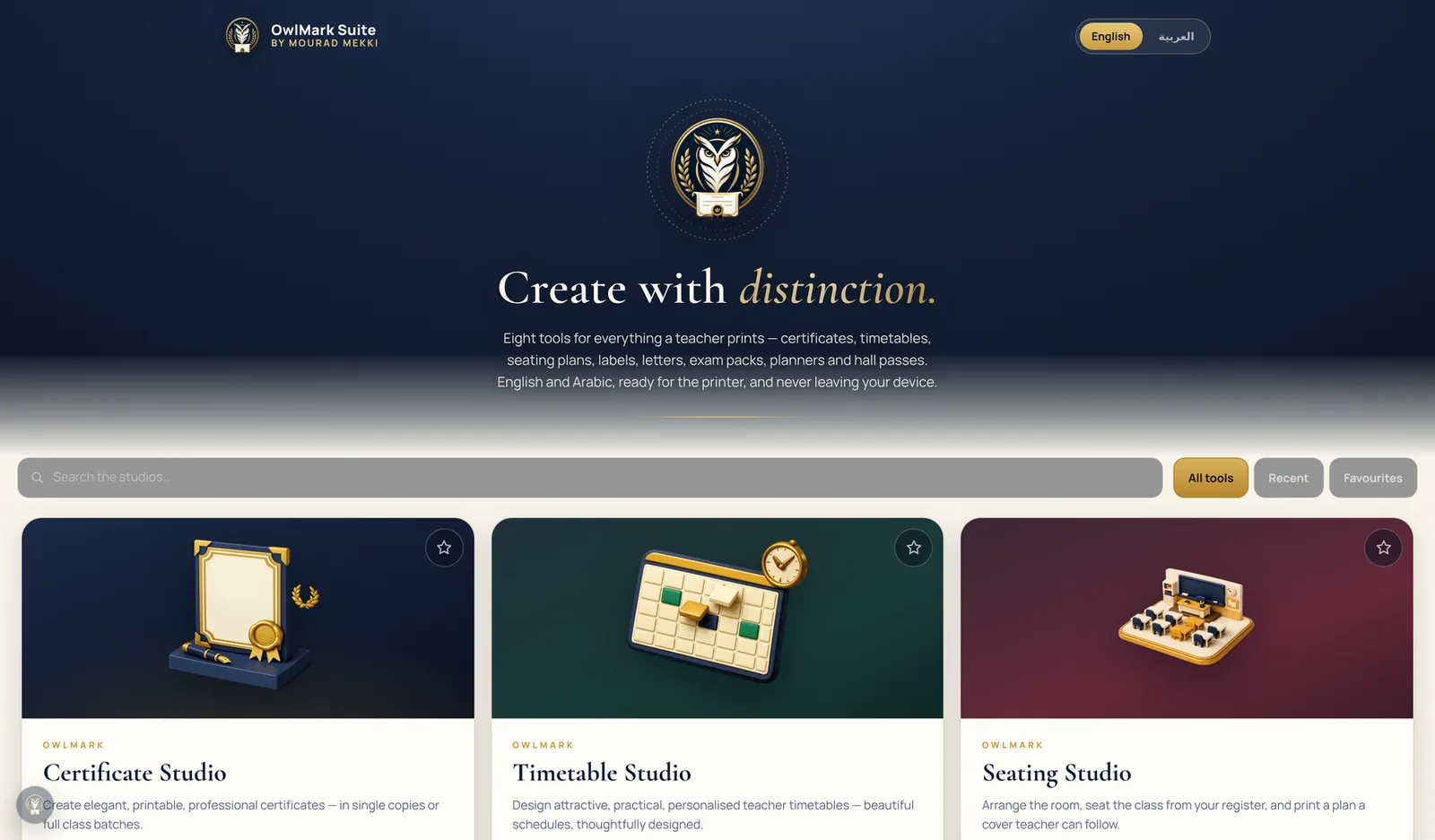
OwlMark Suite
Eight bilingual print studios — certificates, timetables, seating plans, labels, letters, exam packs, planners and hall passes — sharing one class register.
Teachers & school teams · English & Arabic
Live · Version 3.3 Open -
 Curriculum & planningNo. 33
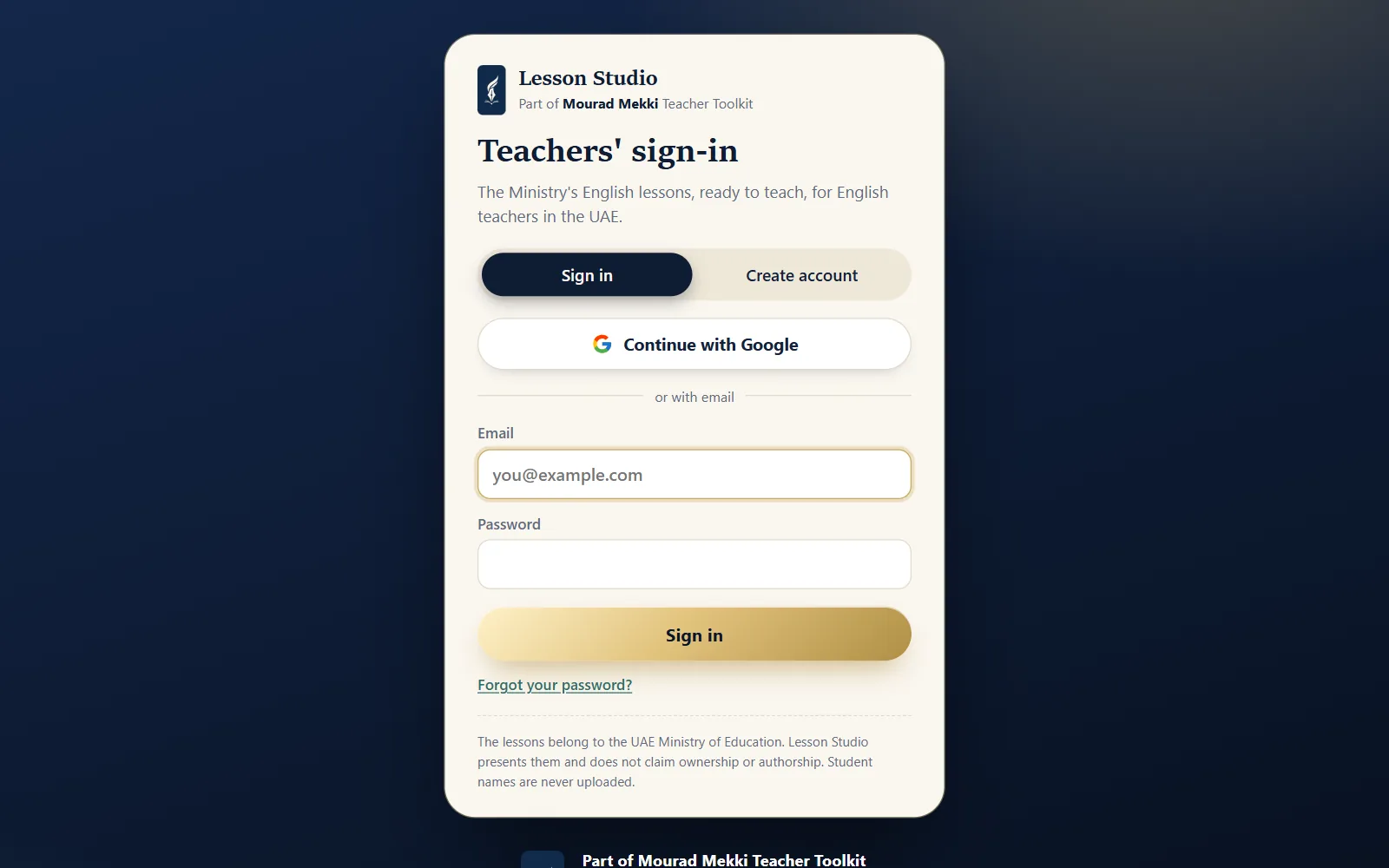
Lesson Studio
The Ministry’s English lessons, ready to teach: pick a week, a class and a period, take attendance, then present the lesson with a class clock, a name picker and a timer.
English teachers · Grades 11–12
Live · sign-in required Open